

Letter of intent
Massachusetts Homeschool Letter of Intent
The letter itself takes five minutes. Getting it to the right office by the right date is the part worth reading about.
Write my letter nowThe short answer
Massachusetts requires written notice of your intent to homeschool, filed with your local school district. The office must approve your plan before you begin, so file early enough to allow for a meeting.
- Notice
- Required
- File with
- Local School District
Generate your Massachusetts letter
Fill in your details and copy or print a ready-to-send letter. Nothing is saved and no account is needed.
No notice required to start
Notice is required
Your details
Separate multiple students with a comma
Select your state to get started
Your letter
Review the letter carefully before sending. Requirements vary, so confirm the details with your school district or state department.
What goes in the letter
Keep it short and complete. These are the pieces Massachusetts offices look for.
-
1
Parent or guardian name and mailing address
The address you want any reply sent to.
-
2
Each child's name
Each child of compulsory school age. Massachusetts's range is 6-16.
-
3
The date your school year starts
Use the date instruction begins at home. Families often put the date they wrote the letter here by mistake.
-
4
A plain statement of intent
One sentence saying you're providing home instruction under Massachusetts law. Anything more elaborate gives the office more to respond to.
-
5
Your signature and the date
Sign it, date it, and keep a copy of the signed version.
Confirm you need to file
Yes, and Massachusetts goes further than notice: your program has to be approved before instruction begins. Filing is not by itself permission to start. Approval comes from your local school district. A plan goes in again each school year.
Gather what goes in the letter
Most Massachusetts notices are short: your name and address, each child's name, the date instruction starts, and one sentence stating that you're providing home instruction under state law. Resist the urge to add curriculum plans, philosophy, or credentials unless the state asks for them. A longer letter gives an office more to respond to and nothing to gain.
Address it to the right office
In Massachusetts the notice goes to your local school district. Call the office first and ask who the letter should be addressed to and whether they take email. Two minutes on the phone keeps your letter out of the wrong inbox and gives you a name to reference if anything comes back.
Send it and note the date
Massachusetts publishes no hard date for most families. File before instruction starts and you are covered. Certified mail gives you a delivery receipt for a couple of dollars. If you send it by email, keep the sent message and ask the office to confirm receipt.
Keep a dated copy
Save what you sent along with the date. If the district ever raises a question about attendance, a dated copy of your notice is what closes it in one email.
Start logging the same week
The notice is a one-day job. The records run all year. Whatever Massachusetts expects you to track, starting the day you file saves you from backfilling months later. Homeschool Fox sets up your Massachusetts targets during signup, so the first day you teach is the first day that counts.
Common mistakes in Massachusetts
-
Starting before the school committee approves
Massachusetts is an approval state, and the education plan goes to your local school committee before instruction begins. Approval can take weeks. Submit early in the summer if you are starting in September.
-
Writing a plan longer than it needs to be
The education plan covers your subjects, materials, and how you will evaluate progress. A detailed plan invites detailed follow-up. Complete and plain gets approved more smoothly than exhaustive.
Reporting calendar
Massachusetts homeschoolers file on this schedule. Put each date on your calendar. Missing one can put you out of compliance.
| Filing | Due |
|---|---|
| Education plan | Before starting homeschooling (school committee approval required) |
Homeschool Fox reminds you before each Massachusetts deadline and builds the reports you file. Start tracking free.
What this looks like in Homeschool Fox
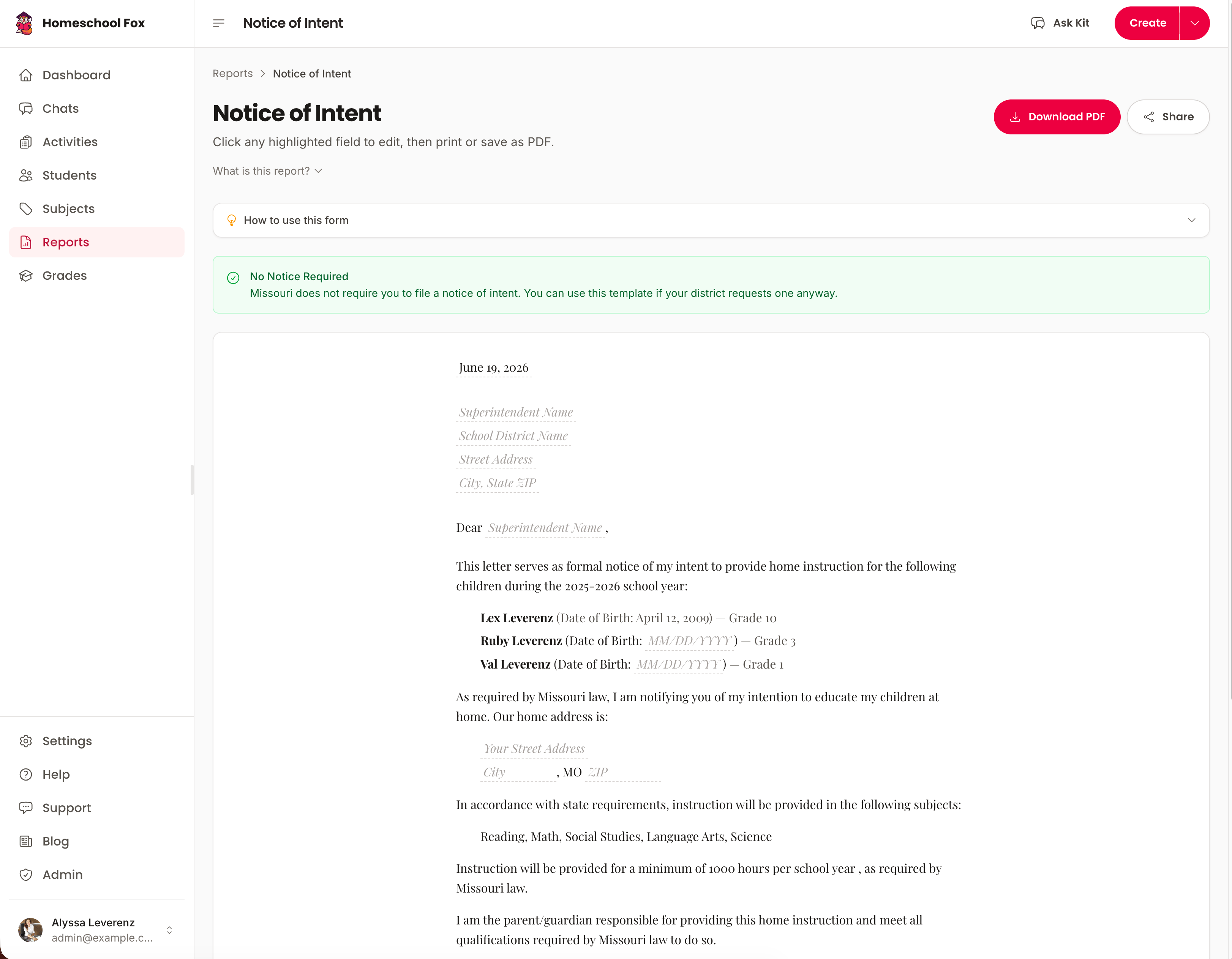
Signed-in families can regenerate the Massachusetts notice any year from details already on file, and Homeschool Fox reminds you before the deadline comes back around.
Free Massachusetts printables
Two ready-to-use PDFs for Massachusetts homeschoolers. No account needed.
Templates, not legal advice. Confirm the current rule with your state or district.
What Homeschool Fox tracks for Massachusetts
Massachusetts leaves the records to you. Keep them in one place anyway. No spreadsheets, no lost notebooks.
- Required subjects
- Daily activity logs
- Printable PDF reports
- Progress tracking
- High school transcripts
Last verified September 2026 against Massachusetts's own published requirements. See the sources.
Source pages last confirmed live on Sep 28, 2026.
Homeschool Fox is not a law firm and does not provide legal advice. Confirm details with your state or a qualified advisor.
More Massachusetts guides
Comparing states? See how all 36 states that require notice compare.
- Massachusetts Homeschool Requirements Hours, notice, assessment, and subjects at a glance.
- How to Start Homeschooling in Massachusetts A step-by-step guide from withdrawal to your first logged day.
- Homeschooling High School in Massachusetts Credits, GPA, transcripts, and graduation.
- Record Keeping in Massachusetts What to document, how to organize it, and staying compliant.
- How to Withdraw From School in Massachusetts The steps, the letter, and timing to avoid truancy issues.
- Moving to Massachusetts What to file when you arrive and whether your records transfer.
- Public School Sports in Massachusetts Whether homeschoolers can play, what it takes, and who to ask.
- Required Subjects in Massachusetts The list, how much time each needs, and proving you taught them.
Filed your notice? Records are next
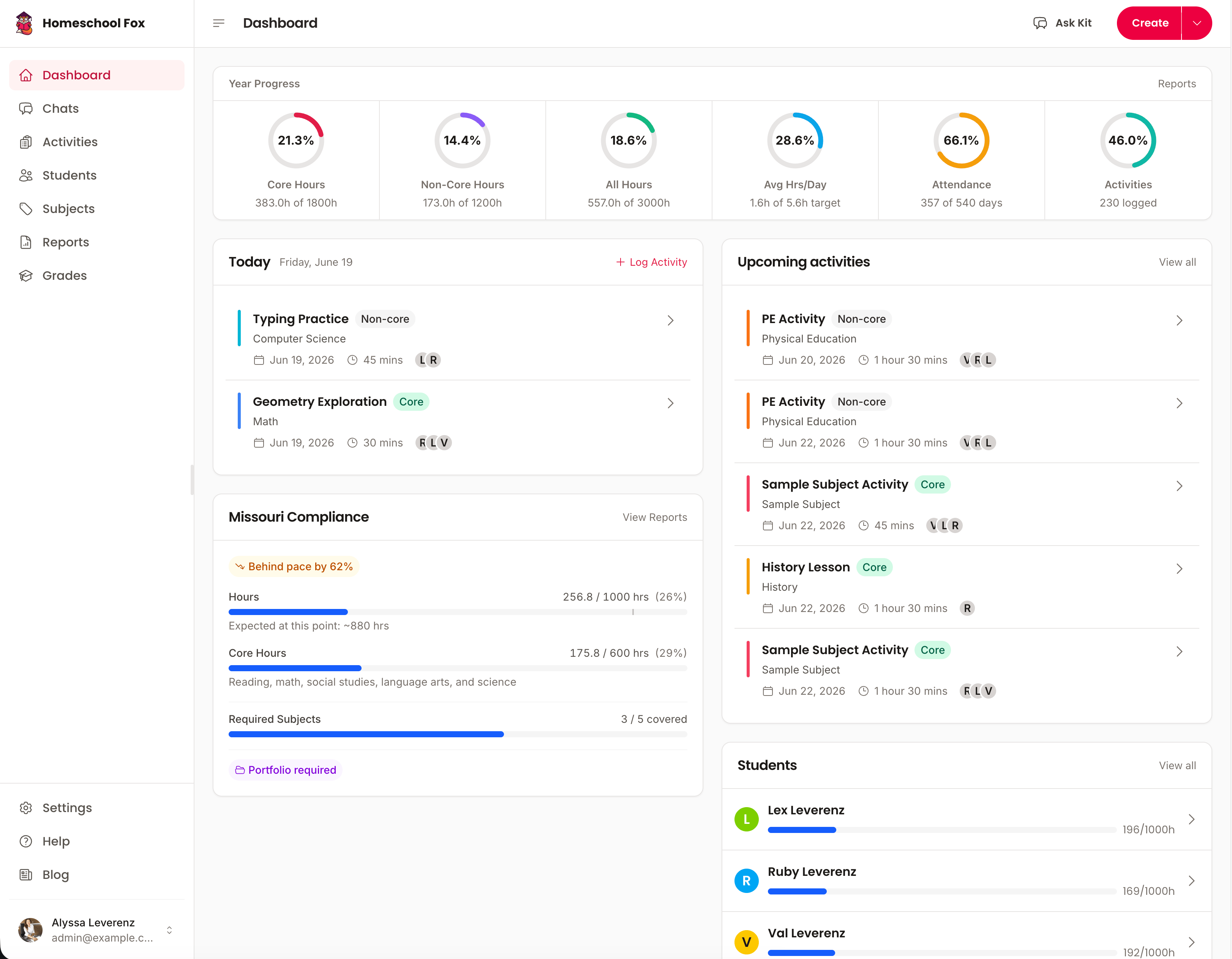
Homeschool Fox picks up where the letter leaves off, logging hours, subjects and work samples from day one.
Start tracking free14-day free trial. No credit card required.