

Year end report
South Carolina Homeschool Year End Report
Every field on the report traces back to records you either kept or skipped. Here is what South Carolina asks for, when it is due, and how to have the numbers ready ahead of the deadline.
Start tracking freeThe short answer
South Carolina homeschoolers report once a year. The filing pairs an assessment result with evidence from your records.
South Carolina at a glance
Verified May 2026- Required hours
- 810 hrs/year
- School days
- 180 days/year
- Required subjects
- 6 subjects
- Notice
- Required
- Testing / evaluation
- Portfolio review
- Portfolio
- Required
Jump to the full South Carolina requirements for plain-English detail on each of these.
What South Carolina asks for
The filing pairs an assessment result with evidence from your records. South Carolina's assessment requirement depends on your accountability option. Option 1 (district oversight, § 59-65-40) requires an annual standardized test in reading, writing, and math. Option 2 (SCAIHS membership, § 59-65-45) and Option 3 (an approved association with 50+ members, § 59-65-47) don't mandate standardized testing — each sets its own member standards. Option 1 and Option 3 families keep a portfolio including a semester book list, a log of educational activities, samples of the student's academic work, and a record of evaluations (§ 59-65-40(A)(4) and § 59-65-47(d)). Option 2 families follow SCAIHS's own member documentation requirements rather than a state-level portfolio rule.
When it is due
South Carolina reports once a year, but publishes no single statewide date, so your deadline can depend on your district. Confirm it with the office that receives your filing, then treat it as fixed.
Who reviews it
South Carolina has the portfolio reviewed, and nobody is grading it. Your reviewer is looking for evidence of regular instruction across the required subjects. A plain record that runs all year does more for you than a thin one with a few impressive samples.
Pulling the numbers together
Nearly every field on the report traces back to records you either kept or skipped. Total hours taught, subjects covered, progress per student, dates of instruction: all of it is a copy job if you logged as you went, and a weekend of detective work if you didn't. Homeschool Fox keeps the running totals for South Carolina and turns them into a printable report, which leaves you reviewing numbers instead of hunting for them.
If you miss a deadline
A missed deadline in South Carolina is fixable. File as soon as you catch it instead of waiting for the office to ask. Contact them, explain in a sentence, and send what you have. Things get harder when a family goes quiet for a few months, and a report that arrives a week late rarely registers at all. Set a reminder two weeks ahead of each date and the problem stops recurring.
Common mistakes in South Carolina
-
Assuming the portfolio is optional
Portfolio requirements differ by option. Under Options 1 and 3 you keep a portfolio with a record of subjects, work samples, and a semiannual progress report. Under Option 2 the association sets its own standards, which are often stricter rather than looser.
Getting ready to file in South Carolina
Do these through the year and the report turns into an hour of copying numbers you already have.
-
1
Put every due date on a calendar now
Confirm your exact date with the office that receives the filing, then set a reminder two weeks ahead of it.
-
2
Keep the attendance total current
Most reports open with the number of days or hours taught, and that is the hardest figure to recover once the year is over.
-
3
Note progress as you go
A sentence per subject per month becomes a progress summary you can hand over without writing anything new.
-
4
Collect work samples through the term
Pull two or three dated samples per subject as you finish them. Hunting for them the week of the deadline is where the stress comes from.
-
5
Send it and keep proof
Save a copy of what you filed and the date you sent it, the same way you would with your notice of intent.
What this looks like in Homeschool Fox
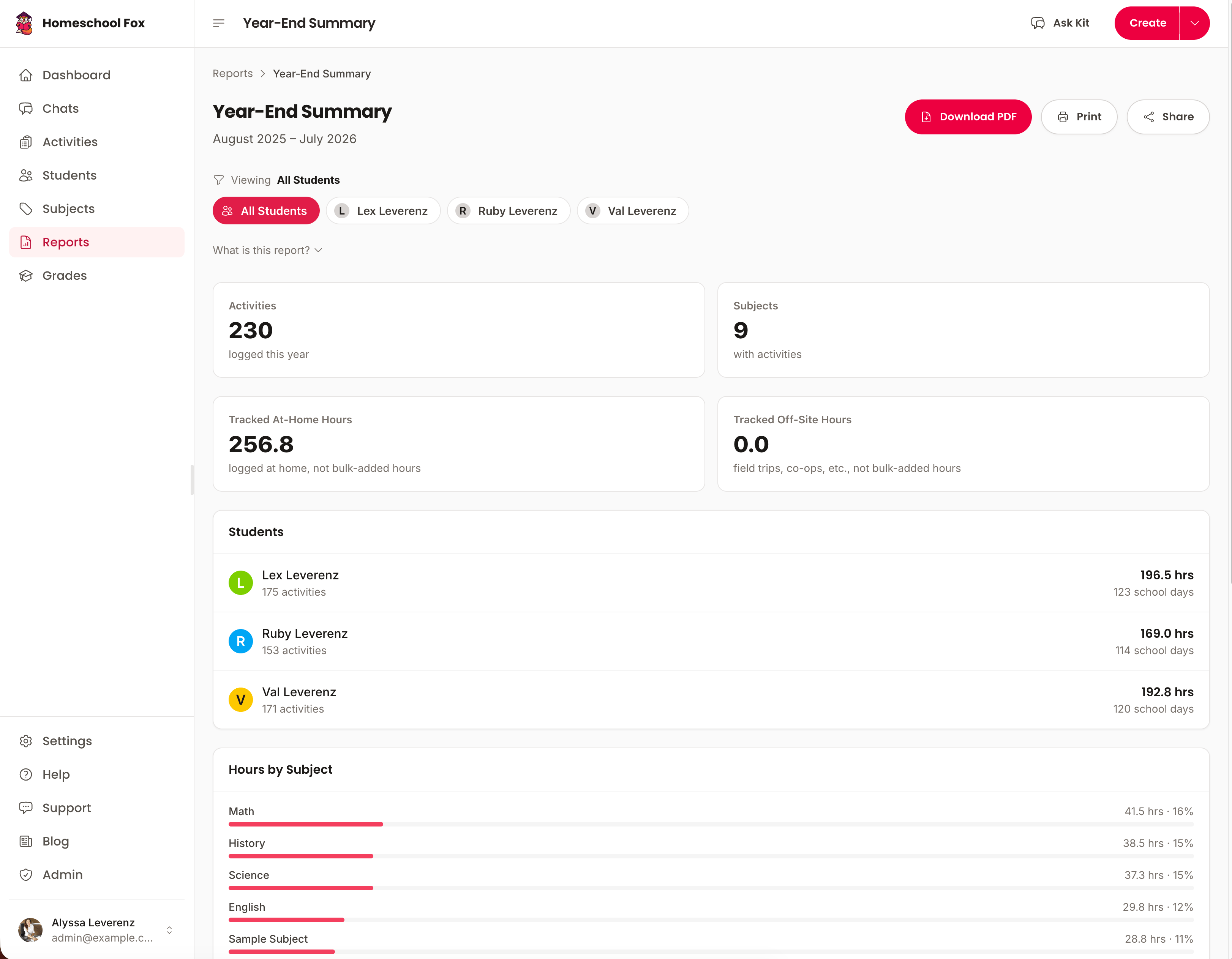
Homeschool Fox rolls your logged activities into a printable South Carolina summary with attendance totals, subject breakdowns, and progress per student already filled in.
Free South Carolina printables
Two ready-to-use PDFs for South Carolina homeschoolers. No account needed.
Templates, not legal advice. Confirm the current rule with your state or district.
What Homeschool Fox tracks for South Carolina
Everything South Carolina expects you to keep, in one place — no spreadsheets, no lost notebooks.
- Hours toward your 810-hour goal
- Required subjects & core hours
- Daily activity logs
- Attendance records
- Notes & portfolio records
- Printable PDF reports
- High school transcripts
- State-specific progress tracking
More South Carolina guides
- South Carolina Homeschool Requirements Hours, notice, assessment, and subjects at a glance.
- How to Start Homeschooling in South Carolina A step-by-step guide from withdrawal to your first logged day.
- Homeschooling High School in South Carolina Credits, GPA, transcripts, and graduation.
- Record Keeping in South Carolina What to document, how to organize it, and staying compliant.
- How to Withdraw From School in South Carolina The steps, the letter, and timing to avoid truancy issues.
- Moving to South Carolina What to file when you arrive and whether your records transfer.
- Homeschool Hours Required in South Carolina The number, what counts toward it, and the pace to hit it.
- Required Subjects in South Carolina The list, how much time each needs, and proving you taught them.
- South Carolina Letter of Intent Who to file with, when it's due, and a free generator.
- Homeschool Testing in South Carolina What the state asks for, when, and low-score rules.
- ESA & School Choice in South Carolina Funding amounts, who qualifies, and the trade-offs.
Never scramble before a South Carolina deadline again
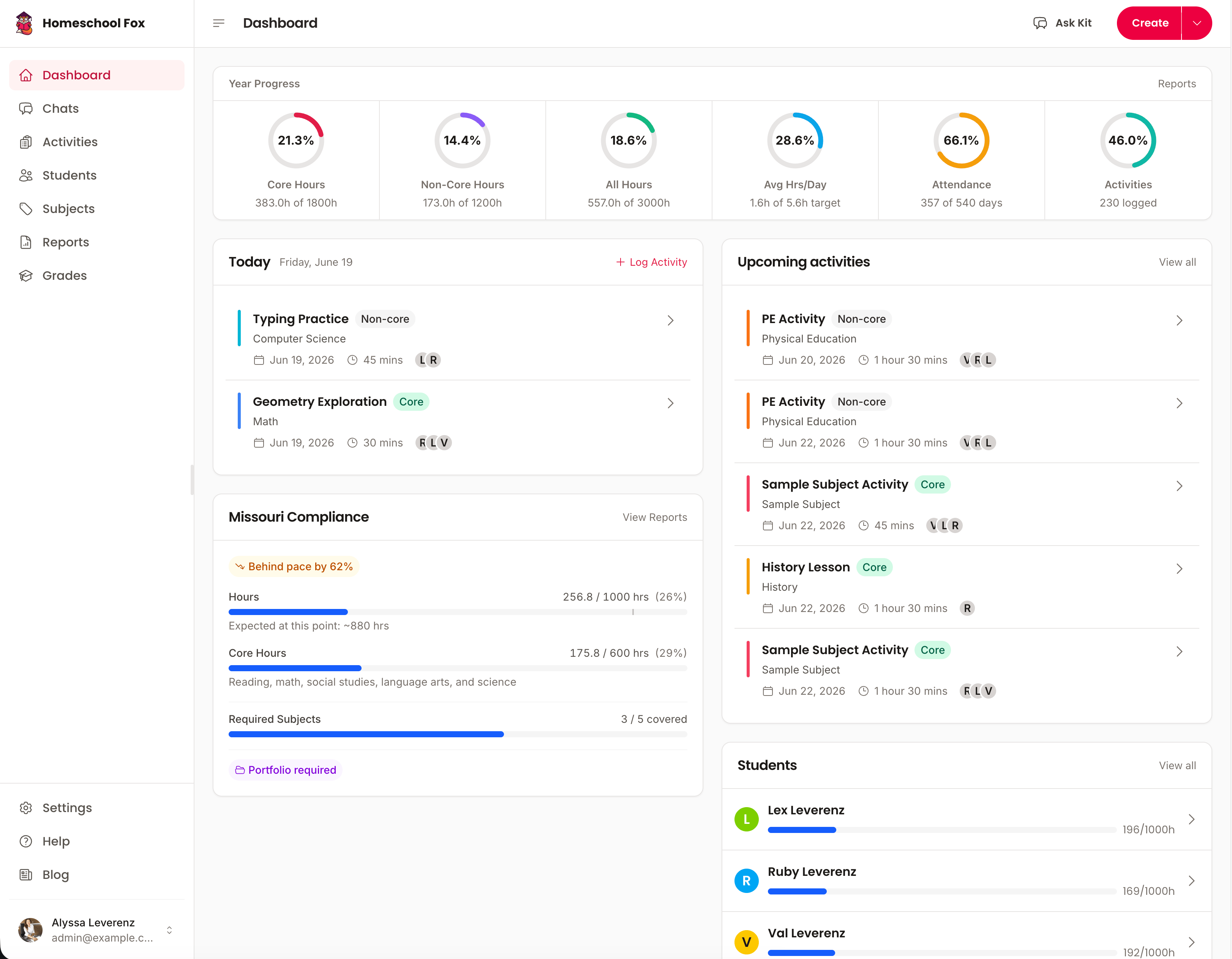
Homeschool Fox keeps the totals current all year and reminds you before each filing date.
Start tracking free14-day free trial. No credit card required.