Grades
Transcripts
Create official-looking transcripts for college applications and record-keeping.
Last updated August 31, 2026
Generate professional transcripts for your high school students that are suitable for college applications, scholarship submissions, and official records.
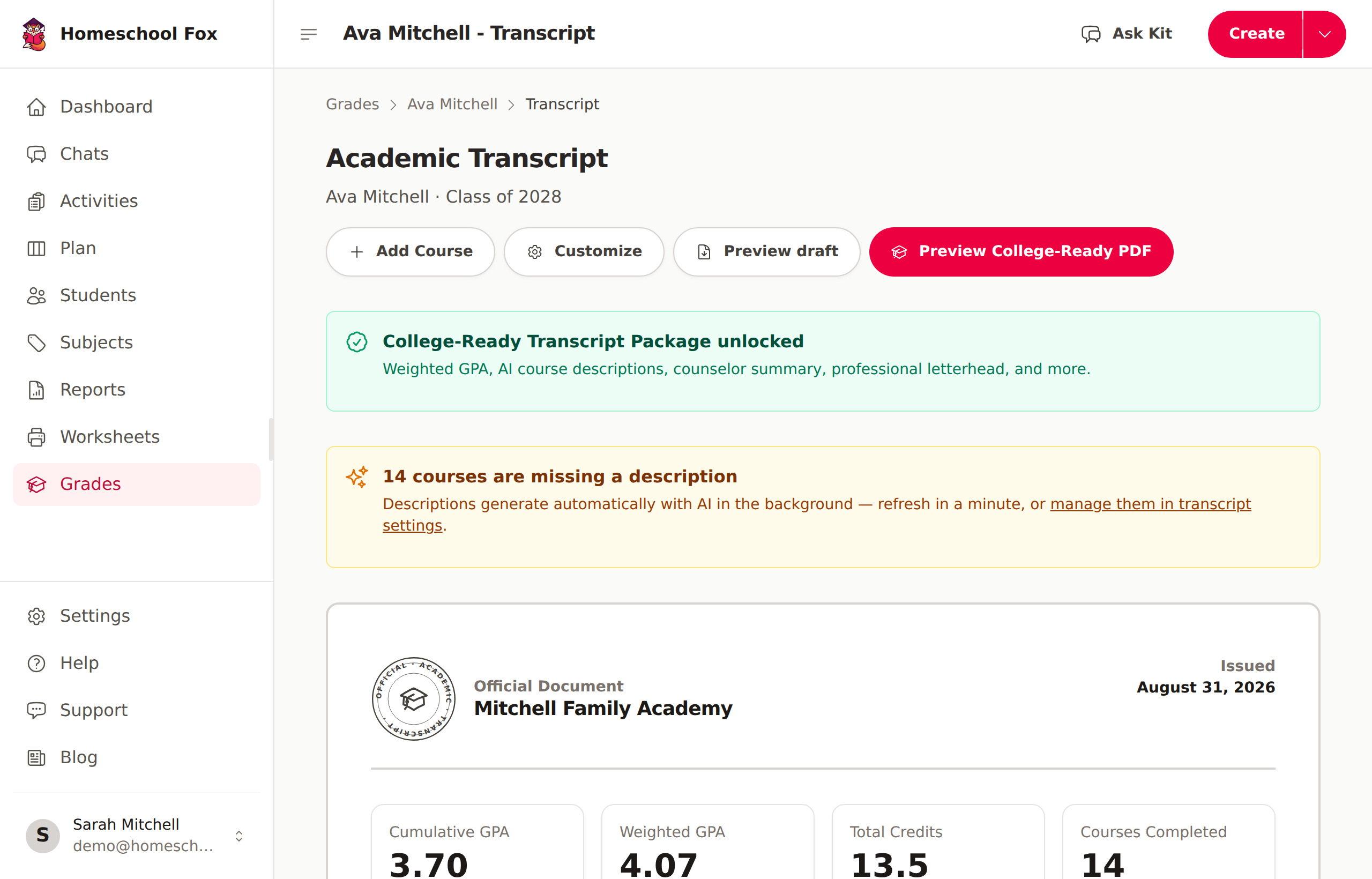
Transcript Options
Basic Transcripts (Included with Premium)
Your Premium subscription includes basic transcript generation:
- Course list with grades and credits
- Cumulative GPA calculation
- Downloadable PDF format
Standalone transcripts — one-time purchase (no subscription)
You can also buy a transcript on its own, without a Premium subscription, using our transcript generator. It comes in three one-time tiers — $29, $49, and $79 — and doesn't require an account. Higher tiers add AI-drafted course descriptions and a school profile with a counselor narrative.
See One-time transcripts for the full breakdown of what each tier includes and how to buy one.
Requirements
Before generating a transcript, you'll need:
- Premium subscription or active trial
- Graduation year set - The student must have an expected graduation year configured
- Courses added - At least one course with a grade and credits
To set a graduation year:
1. Go to Students
2. Select the student
3. Click Edit
4. Set the Expected Graduation Year
5. Save
Viewing a Transcript
- Go to Students in the sidebar
- Select the student
- Click View Transcript
Or navigate to Grades and select a student.
What's Included
Each transcript shows:
- Student Information - Name, grade level, graduation year
- Course List - All courses with grades and credits
- GPA - Calculated automatically from course grades
- Credit Hours - Total credits earned
- School Information - Your homeschool name and details
Downloading as PDF
- View the transcript
- Click Download PDF
- The transcript will download in a print-ready format
Customizing Your Transcript
You can customize the appearance and information:
- School name and address
- Administrator/parent name
- Grading scale explanation
- Additional notes
Configure these from the student's transcript page — open the transcript and click Customize. Each student keeps their own transcript settings.