Category
Getting started
Set up Homeschool Fox in 5 minutes — create your account, add students, pick subjects, and log your first activity.
5 articles
Welcome to Homeschool Fox! Most families are tracking hours within ten minutes of signing up. Here's the order to do it in.
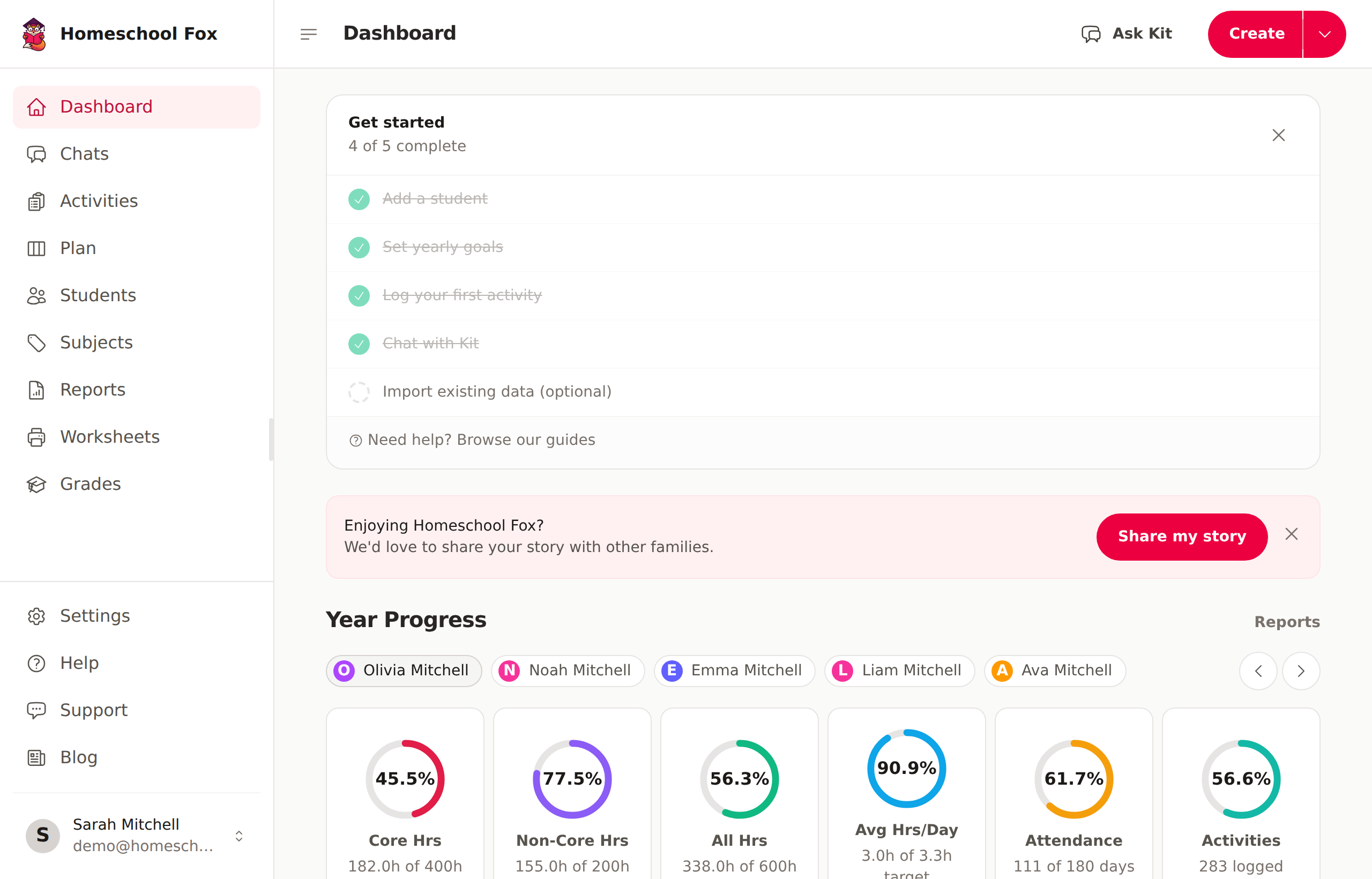
Step-by-step
- Create your account — magic-link email or Google sign-in; no credit card to start the trial.
- Add your first student — name, grade level, and birth date.
- Set up subjects — start with the suggested defaults; you can add or rename anytime.
- Pick your state — surfaces the right compliance documents and required-hour totals.
- Log your first activity — title, subject, start/end times. Done.
After setup
Once you have a few activities logged, explore:
- Student goals — set yearly hour targets so the dashboard tells you how you're tracking.
- Calendar view — see the week or month at a glance.
- Kit AI assistant — log activities by voice or by pasting a paragraph; available on Premium and during the trial.
- Calendar sync — subscribe to your activities in Apple/Google/Outlook Calendar.
Creating Your Account
Sign up for Homeschool Fox and set up your account in just a few steps.
Adding Your First Student
Add students to your Homeschool Fox account to start tracking their learning hours.
Setting Up Subjects
Create subjects that match your curriculum to organize and categorize activities.
Getting Help & Support
How to contact support, track your tickets, and reply from email — with or without logging in.
Mobile Apps (iOS & Android)
Install the Homeschool Fox app on your phone, sign in, and track hours on the go.