Activities
Logging Activities
Learn different ways to log homeschool activities and track learning hours efficiently.
Last updated August 31, 2026
Homeschool Fox offers several ways to log your homeschool activities. Choose the method that works best for you.
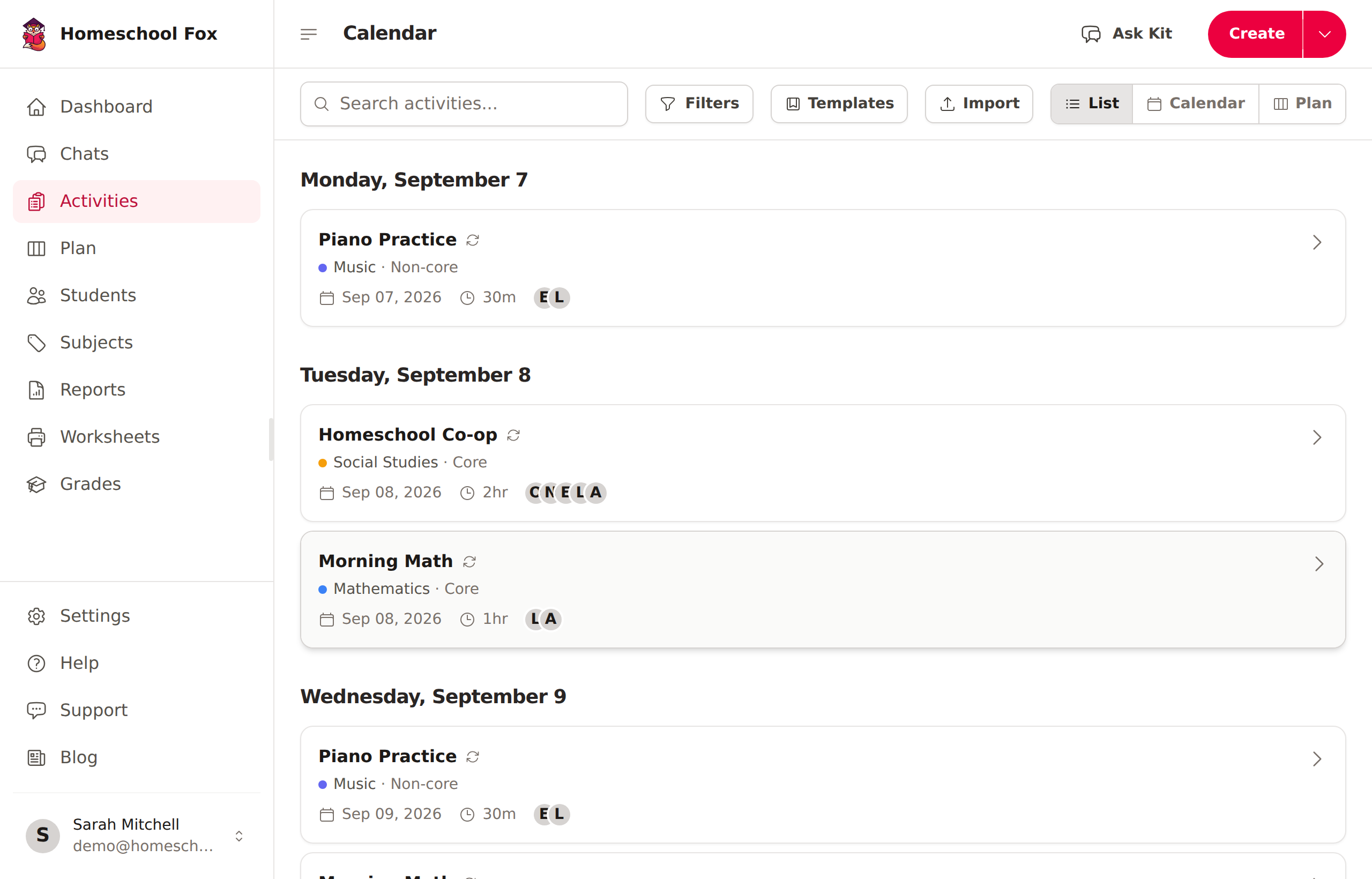
Quick Log
The fastest way to add an activity:
- Click the + button in the header
- Select Activity
- Enter the activity title
- Choose the subject and student(s)
- Set the start and end time
- Click Save
AI-Powered Logging
Let our AI help you log activities faster:
- Click Chat with Kit on your dashboard
- Describe what you did in natural language
- Kit will parse your description and create activities
Example: "We did math from 9-10am, then read Charlotte's Web until lunch"
Voice to Text
You can dictate activity descriptions instead of typing:
- Click the Voice to text button above the description field
- Speak your notes — the button turns red while recording
- Click again to stop — your speech is transcribed and added to the description
- Use Polish with AI to clean up the text if needed
Maximum recording length is 2 minutes per clip.
Activity Details
Each activity includes:
- Title - What you learned or did
- Subject - The category (Math, Science, etc.)
- Student(s) - Who participated
- Start/End Time - Duration of the activity, with preset chips (15m, 30m, 1hr, 90m, 2hr) or a custom end time
- Description - Optional notes or details (supports rich text with images)
- Attachments - Photos, worksheets, or documents
Grade Tracking
You can optionally track grades on activities for transcript and GPA purposes:
- When editing an activity, enable Gradeable for the student
- Choose a grade type:
- Percentage - A score from 0-100
- Letter - A, B, C, D, F (with +/- variants)
- Points - Raw points earned
- Pass/Fail - Simple pass or fail
- Enter the grade value
Grades appear on the activity detail page and factor into transcript GPA calculations.
Importing Activities
If you have existing data in a spreadsheet, you can import it:
- Go to Activities and click Import
- Upload a CSV or Excel file
- Map your columns to activity fields
- Preview and confirm
See Importing Activities for details.
Tips for Effective Logging
- Be consistent - Log activities daily or weekly
- Add descriptions - Future you will thank present you
- Use subjects wisely - Create subjects that match your curriculum
- Attach evidence - Photos and documents are great for portfolios
- Try voice input - Faster than typing on mobile