Activities
Calendar View
View and manage your homeschool activities in a visual calendar format.
Last updated August 31, 2026
The calendar view gives you a visual overview of your homeschool activities.
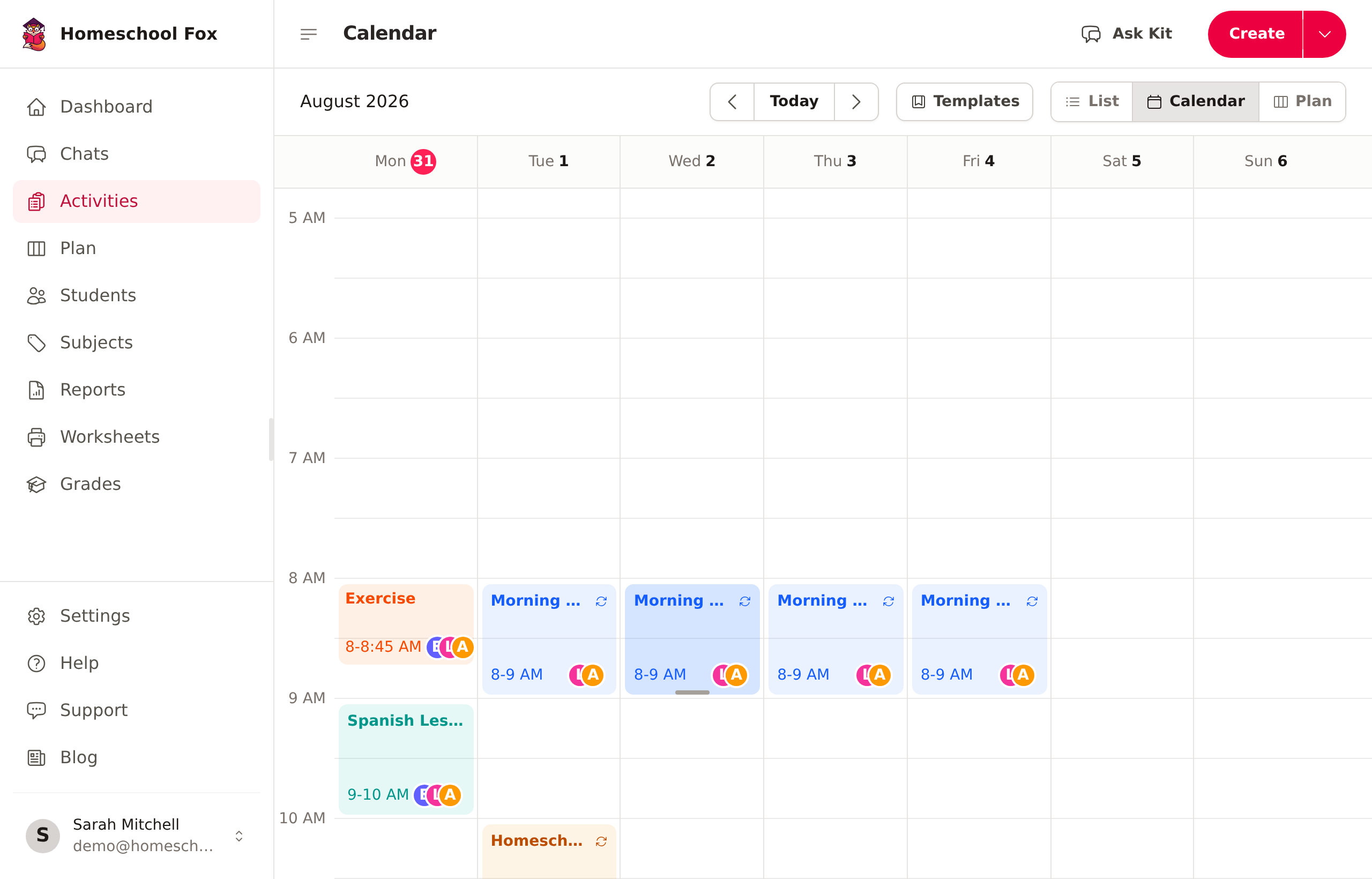
Accessing the Calendar
Click Activities in the sidebar, then choose Calendar in the view switcher at the top right (next to List and Plan).
Calendar Features
Monthly View
See all activities for the month at a glance:
- Activities appear on their scheduled date
- Color-coded by subject
- Click any day to see details
Activity Details
Click on an activity to:
- View full details
- Edit the activity
- Delete if needed
Adding Activities
Add activities directly from the calendar:
1. Click on a date
2. Fill in the activity details
3. Save
Navigating the Calendar
- Use arrows to move between months
- Click "Today" to jump to the current date
- Activities show the title and time
Tips
- Use the calendar to spot gaps in your logging
- Check that activities are distributed across subjects
- Plan ahead by adding future activities